
We engineer scalable SaaS UI systems, multi-tenant interfaces, design systems, and high-performance frontends for SaaS products moving from early traction to enterprise-grade scale — built for engineering team handoff and long-term maintainability.
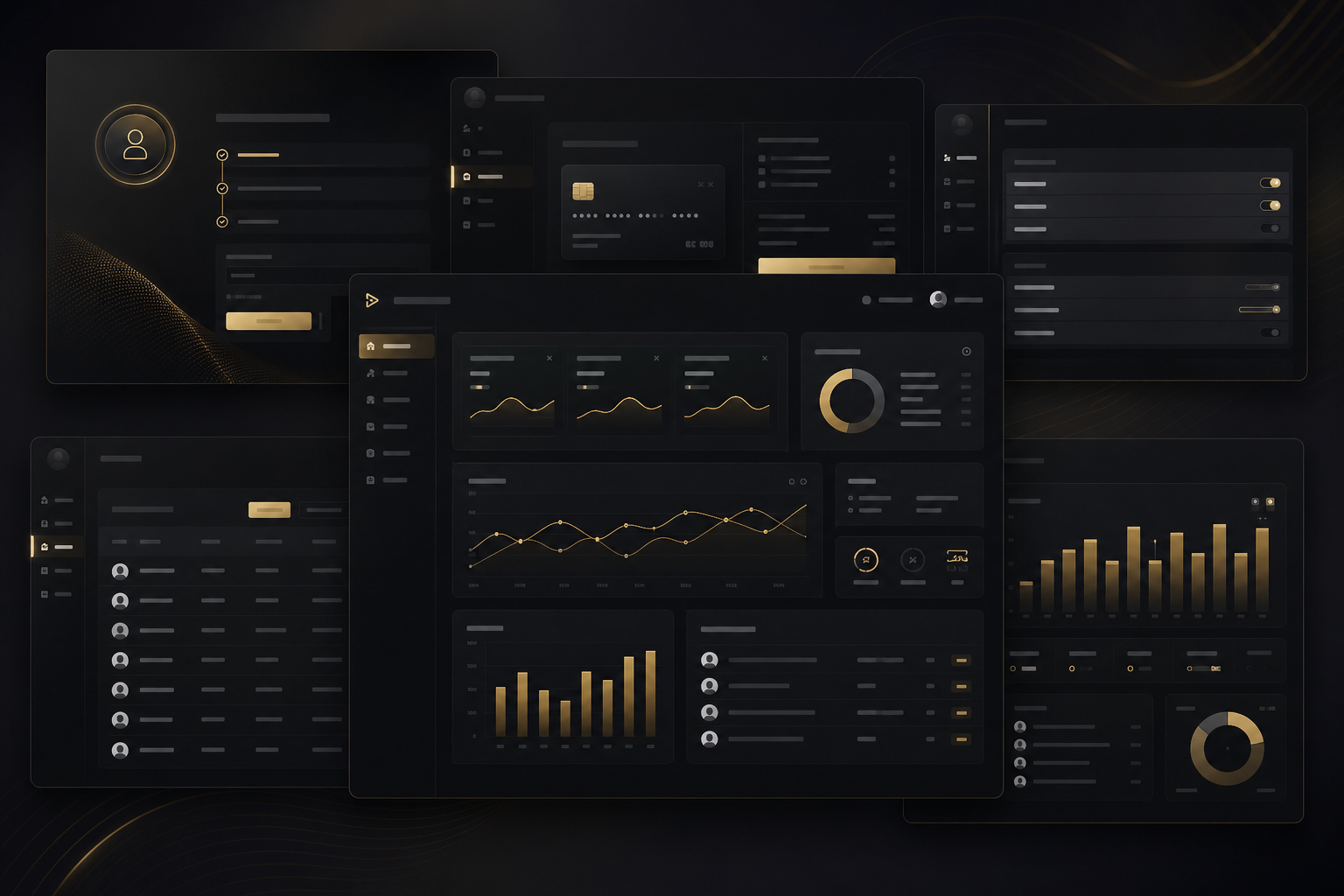
There is a pattern that appears with remarkable consistency in SaaS companies between Series A and Series B: the frontend that was good enough to achieve product-market fit becomes the primary obstacle to growth. The original codebase was written by a small team moving fast, making pragmatic decisions under time pressure. Components were built feature-by-feature rather than system-by-system. Styling was added inline or in ad-hoc CSS files. State management was bolted on rather than architected. There is no design system — there are 14 slightly different button styles and no canonical source for what a button in this product should look like.
At Series B, the consequences of this debt become measurable. New engineers spend their first three weeks trying to understand an undocumented component hierarchy. Feature development that should take two weeks takes six because every new feature requires navigating accumulated inconsistency. Enterprise customers push back on the product's visual and interaction quality as they run procurement evaluations against competitors who invested in their frontend earlier. And the engineering team, knowing the codebase has fundamental structural problems, lobbies for rewrites that the business cannot afford while new features wait.
The inflection point is predictable: a SaaS product that treated frontend engineering as a secondary concern during its growth phase will pay for that decision in slowed feature velocity, increased engineering cost per feature, and competitive disadvantage against products that invested in systematic UI architecture. The question is not whether to address this — it is whether to address it before or after it has materially damaged the business.
We work with SaaS companies at this inflection point. Not to rewrite everything — targeted architectural investment delivers far better ROI than wholesale rewrites — but to establish the systems that allow the existing engineering team to move fast with confidence: a design system that makes new features consistent by default, a state management architecture that makes complex interactions manageable, and a multi-tenant framework that enables enterprise customisation without per-tenant code branches.
A SaaS frontend is a product in its own right, not just a wrapper around your API. The architectural decisions we make at the frontend layer — how multi-tenancy is handled, how state is managed, how components are organised — have direct consequences for the scalability of your product, your team, and your customer relationships.
Enterprise SaaS products serve multiple customer organisations simultaneously, and those customers increasingly expect customisation: their logo on the login screen, their brand colours throughout the product, specific features enabled or disabled according to their contract tier, and workflow variations to match their operational processes. Implementing this correctly at scale requires multi-tenancy to be an architectural concern from the beginning, not a feature bolted on when the first enterprise customer asks for it.
We implement tenant configuration loading at application bootstrap via Angular's dependency injection system. Before the application shell renders, it requests the tenant configuration for the authenticated organisation from a configuration API. That configuration object is injected as a typed token throughout the application, making tenant-specific values available anywhere in the component tree without prop-drilling or global variable access. Feature flags are part of this configuration object, evaluated using a permission directive system so that features not available to a tenant's tier are excluded from the DOM entirely. CSS custom properties enable white-labelling: a single set of design token overrides per tenant produces consistent brand customisation across the entire product without duplicating stylesheet code. Tenant-scoped route guards prevent cross-tenant navigation mistakes in multi-account contexts.
A design system for a SaaS product is not a Figma file — it is a versioned software package that your engineering team installs and uses. We build Angular component libraries as workspace packages within an Nx monorepo, making them importable by the main application and any micro-frontend modules. Components are built to be composable: a DataTable component accepts column configuration objects, not hardcoded column definitions, so it can be reused across every data view in the product without modification.
Design tokens are the single source of truth for visual decisions. We extract token values from your Figma file using the design tokens W3C standard format and generate both CSS custom properties (for runtime theming) and TypeScript constants (for use in component logic). Storybook serves as the living documentation for the component library, with each component's stories covering all its states — default, loading, error, empty, disabled — and its variant matrix. Visual regression testing with Chromatic runs on every pull request, catching unintended visual changes before they reach production. Semantic versioning with clear migration guides enables the component library to evolve without breaking the applications that consume it.
Every SaaS product serves two fundamentally different user profiles simultaneously: new users who need guidance and context, and power users who use the product for hours every day and optimise for speed over discovery. The mistake most products make is designing exclusively for one at the expense of the other — either cluttering the interface with persistent onboarding prompts that power users find patronising, or removing all guidance to achieve a clean aesthetic that leaves new users struggling to discover core functionality.
We implement a layered experience strategy. For new users: contextual tooltips that activate on first encounter with key workflows, empty states that guide rather than just report absence, and progressive feature revelation that introduces complexity as users demonstrate readiness. For power users: keyboard shortcuts with a discoverable shortcut reference panel, a command palette (Cmd+K / Ctrl+K) that provides instant access to any action in the product, saved views and configurable columns for personalised data layouts, and bulk operations that recognise that expert users work with multiple records simultaneously. Both layers coexist in the same interface, with the guidance layer fading as users become proficient — tracked via a per-user onboarding state persisted in the backend.
Core Web Vitals are not just a SEO metric for SaaS products — they are a retention driver. Research consistently shows that a 1-second improvement in page load time produces measurable reductions in churn for web applications, particularly in competitive markets where users make daily comparisons between your product and alternatives. Every second of unnecessary loading time is a daily reminder to users that they are waiting, and every slow interaction is a friction point that compounds over hundreds of sessions per month.
We treat performance as an engineering discipline with measurement at the centre. Performance budgets are enforced in CI: every pull request that increases bundle size beyond a defined threshold fails the build, making performance regressions visible before they reach production. The User Timing API is used to instrument application-specific performance markers — time to first meaningful data render, time to interactive dashboard — giving you product-specific performance metrics that Lighthouse scores alone cannot capture. We monitor Core Web Vitals from real user sessions using the web-vitals library, so you have continuous visibility into the actual performance experience of your users across devices and network conditions, not just the performance in a lab environment.
Our technology selections for SaaS frontend engineering are driven by the specific requirements of each product, with a strong preference for choices that reduce long-term maintenance cost and maximise engineering team confidence.
Facing frontend debt or scaling challenges? We'll review your current architecture and give you an honest assessment of what to address and in what order.
Request ReviewRelated Services
Bootstrap-time tenant configuration via DI, feature flag evaluation, CSS custom property white-labelling, and tenant-scoped route guards — all built as a reusable framework.
Versioned Angular component library with Storybook documentation, design tokens from Figma, visual regression testing, and semantic versioning for sustainable evolution.
Contextual tooltips, progressive feature revelation, guided empty states, and per-user onboarding state management that makes new user activation measurable and improvable.
Command palette, keyboard shortcut system, saved views, configurable table columns, and bulk operations — built for users who use your product all day, every day.
Performance budgets in CI, User Timing API instrumentation, Core Web Vitals monitoring from real user sessions, and systematic optimisation of every bottleneck.
Real-time notification systems, toast alerts with action callbacks, notification centre with read/unread state, and in-app messaging integrations for user communication.
The right time is before inconsistency becomes painful — which usually means between your first 20 and first 50 components. Before that, a design system adds overhead without proportionate benefit; you are still discovering what your product needs. After that threshold, the cost of retrofitting consistency grows faster than the cost of building the system. Practically, we find that the trigger point is when new engineers consistently ask "how should this look?" and the answer requires looking at multiple existing examples to infer a pattern rather than consulting a documented standard. That question is the first symptom of the inconsistency tax starting to accrue.
CSS custom properties are the foundation. Every visual decision that needs to vary by tenant — primary colour, logo, font family, border radius style — is expressed as a CSS custom property with a sensible default. At application bootstrap, the tenant configuration API returns the override values for the authenticated tenant, which are applied to the root element before the UI renders. This means tenants see their brand from the first frame — there is no flash of the default brand. More complex white-labelling requirements, such as custom domain support or fully custom login pages, are handled at the routing and server level, but the principle is consistent: tenant customisation should require configuration data, not code branches.
For most SaaS products with an engineering team of 5 or more, we lean toward Angular — not for ideological reasons but for practical ones. Angular's opinionated structure means that engineers joining the team have a smaller surface area of architectural decisions to understand. TypeScript is enforced rather than optional. Dependency injection makes large-scale application architecture more manageable as the codebase grows. For smaller teams or products where React ecosystem familiarity is strong, React with Next.js and Zustand for state is a perfectly valid choice. We work with both, and we will give you an honest recommendation based on your specific team composition and product requirements.
Yes, and this is the standard engagement structure. We almost never touch your backend. Our work is entirely at the frontend layer, consuming your existing APIs, authentication tokens, and data contracts. We implement Angular's HTTP interceptors to attach authentication headers, handle token refresh, and map API error responses to user-facing states consistently. If you use OAuth 2.0 / OIDC, we implement the authorization code flow with PKCE using a well-maintained Angular library. If you have a custom authentication system, we integrate against your token endpoint. We ask for API documentation and, where possible, access to a staging environment with representative data.
WCAG 2.2 AA is our baseline. In practice, this means semantic HTML for structure, ARIA attributes for dynamic content, full keyboard navigability, sufficient colour contrast ratios, and focus management during modal and panel interactions. For SaaS products targeting regulated industries or government customers, accessibility is a procurement requirement — a product that fails basic keyboard navigation will be rejected in enterprise evaluation processes. We build accessible components from the start rather than auditing and remediating after the fact, because accessibility built in costs a fraction of accessibility bolted on. We test with NVDA and VoiceOver as part of our quality process.
Share your requirements and we'll respond with a direct technical assessment — no generic proposals.